How to secure your digital assets on World Password Day
Digital Life & Entertainment • Reading time: 1–2 minutes
Picture this: You are sitting in a bustling café in Chiang Mai, finalizing a freelance project before catching a flight to Hanoi. Your entire life—your income, your banking, your connections to home—sits on the laptop in front of you and the smartphone in your pocket. The freedom of the digital nomad lifestyle is intoxicating, but it rests on a fragile foundation: access to your digital accounts.
For the international traveler, the fear of account vulnerability isn't just a background noise; it's a constant, low-level anxiety. What happens if you can't log into your primary banking app while across an ocean? What if your email, the key to resetting every other password, is compromised while you're sleeping on an overnight train? The panic of being digitally stranded in a foreign country is a very real, very modern nightmare.
This reality makes digital security not just a technical chore, but a vital component of your travel insurance. It’s the difference between a minor hiccup and a trip-ending disaster. This is why we need to talk about World Password Day. It isn't just another date on the calendar; it is a crucial checkpoint for everyone living their lives online, especially those whose office is wherever the Wi-Fi connects. It’s time to stop hoping your accounts are safe and start knowing they are.
The digital nomad's dilemma: Why you are a prime target
Living out of a backpack and working from anywhere is liberating, but it exposes you to unique digital risks that stationary individuals rarely face. The core pain point for travelers isn't just remembering passwords; it's the terrifying ease with which those passwords can be compromised in transit.
When you are constantly moving, you are frequently connecting to new, untrusted networks. Airport Wi-Fi, hotel hotspots, and café connections are often unsecured, making them prime hunting grounds for cybercriminals using "man-in-the-middle" attacks to intercept data—including login credentials—as it travels from your device to the router.
Furthermore, the digital nomad lifestyle often involves juggling a higher volume of accounts to manage logistics across borders: different ride-sharing apps, local accommodation booking sites, and regional communication tools. The temptation to reuse the same password across these temporary accounts for the sake of convenience is immense. Attackers know this. If one low-security local app is breached, they immediately try that same email and password combination on high-value targets like banking or email accounts—a technique known as credential stuffing.
Your physical environment also poses a risk. Working in public spaces means "shoulder surfing" (someone physically watching you type a password) is a real threat. Device theft in transit is another reality; if your phone is stolen and your apps aren't properly secured with biometrics and strong, unique passwords, your entire digital identity is gone with it.
World Password Day: a call for holistic digital defense
World Password Day, observed annually on the first Thursday of May, was created to raise awareness about the critical importance of strong password habits. While the name focuses on the password itself, for the modern digital citizen, the day serves as a reminder to evaluate your entire authentication strategy.
It’s meant to be the day you stop hitting "remind me later" on security prompts and actually take action to harden your digital defenses. For travelers, this day should be treated with the same seriousness as checking your passport expiration date before a big trip. It's about ensuring the keys to your digital life are as secure as the physical locks on your luggage.
According to cybersecurity experts, the majority of data breaches still stem from weak or stolen credentials. This highlights a critical truth: despite all the advanced hacking tools available, the easiest way in is often through the front door using a key you left under the mat. World Password Day is your annual reminder to change the locks and hide the key better.
For authoritative information on current cybersecurity threats and best practices, resources like the National Cybersecurity Alliance provide excellent, up-to-date guidance for individuals looking to protect their online presence.
The anatomy of an unbreakable security strategy
If you are relying on memory or a sticky note to manage your passwords, your strategy is already broken. A robust security posture for a nomad relies on three pillars: complexity, management tools, and multi-factor authentication.
The death of 'password123'
The era of remembering your passwords is over. A strong password today must be long, complex, and, most importantly, unique for every single account.
Length is often more important than complexity. A phrase like "PurpleElephantRidingABicycleBackwardsInRome" is far harder for a computer to crack via brute force than "P@$$w0rd1!". However, the ideal standard combines both length and a mix of character types (uppercase, lowercase, numbers, and symbols).
The critical rule is uniqueness. Never, ever use your banking password for a travel forum or a food delivery app. If that low-security app gets hacked, your bank account remains safe only if the passwords are totally different.
The power of password managers
How do you manage hundreds of unique, 20-character passwords while traveling? You don't. A password manager does.
For the digital nomad, a reputable cloud-based password manager is non-negotiable. These tools generate incredibly strong passwords for you, store them in an encrypted vault, and autofill them when needed. You only need to remember one master password (which must be exceptionally strong and memorized).
Most modern password managers sync across devices, meaning you have secure access to your credentials whether you are on your laptop in a hotel or on your phone in a taxi. They also include features that audit your existing passwords, alerting you to weak or duplicated logins that need immediate attention.
Multi-factor authentication (MFA): Your digital bodyguard
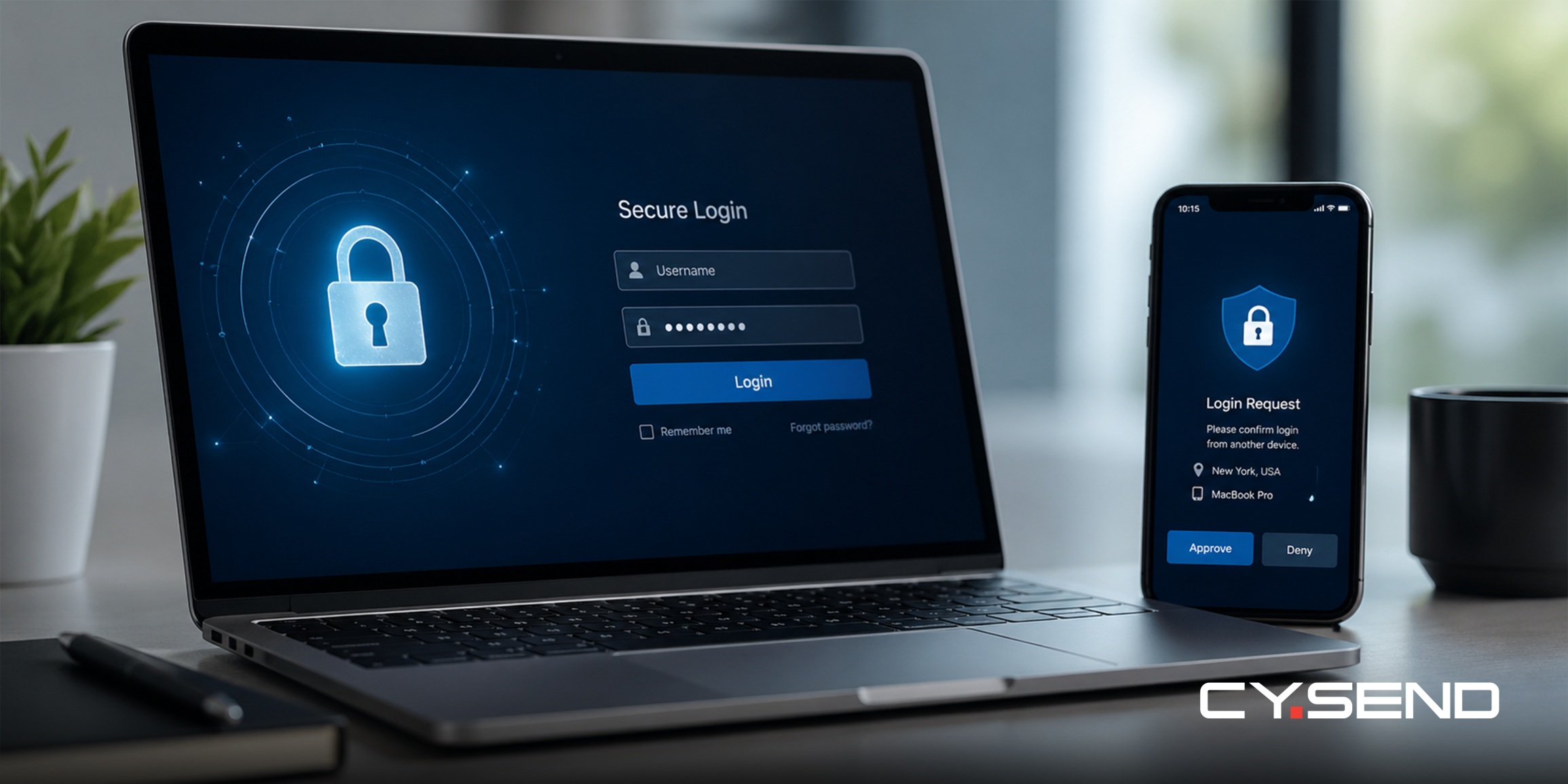
Even the strongest password can be phished or stolen. This is why Multi-Factor Authentication (MFA), sometimes called Two-Factor Authentication (2FA), is essential. It adds a second layer of defense, requiring something you know (your password) and something you have (usually your phone).
If an attacker steals your password, they still cannot access your account without that second factor.
For international travelers, avoid using SMS (text messages) for MFA whenever possible. SIM swapping attacks, where a hacker tricks a mobile carrier into transferring your phone number to their SIM card, are a real threat. Instead, use a dedicated authenticator app (like Google Authenticator or Authy) or a hardware security key (like a YubiKey). Authenticator apps generate codes locally on your device and do not rely on having a cellular signal, making them perfect for travel.
If you want to see more digital security options, check out this top privacy tools every digital nomad should use.
Securing your financial lifeline on the road
One of the biggest challenges for digital nomads is managing finances securely across borders. You often need to top up mobile phones for yourself or family back home, pay local bills, or access digital entertainment, all without exposing your primary bank account details to every vendor.
This is where using a secure, centralized platform for digital transactions becomes vital. Services like CY.SEND are designed to facilitate these global digital transfers securely. By consolidating your digital purchases—whether it's mobile airtime, data packages, or gift cards—through one trusted provider, you reduce the number of places your sensitive payment information is stored across the web.
When you are traveling, you might need access to funds that aren't directly tied to your main bank account for daily spending or emergencies. Using prepaid options is a smart security tactic. You can purchase various payment cards securely through CY.SEND. These allow you to budget effectively and, more importantly, if card details are compromised at a local vendor, the risk is limited only to the balance on that specific prepaid card, protecting your main financial assets.
It is also crucial to know how to track these transactions. If you ever make a purchase while traveling and something feels off, or the service doesn't arrive instantly due to network issues in a remote location, knowing how to verify the status of your transaction is key to peace of mind. You can easily check the status of your orders through your account dashboard. For detailed steps on how to do this, refer to our FAQ guide on how to check the status of your order.
Beyond the password: Protecting your digital footprint abroad
While World Password Day focuses on credentials, a nomad's security strategy must go further. Your environment dictates your security needs.
Virtual Private Networks (VPNs): Never connect to a public Wi-Fi network—in an airport, hotel, or cafe—without using a reputable paid VPN. A VPN like Proton VPN helps you to encrypt your internet traffic, creating a secure tunnel between your device and the internet, making it nearly impossible for anyone on the same local network to snoop on your data.
Software updates: Those annoying update notifications are critical security patches. Hackers exploit known vulnerabilities in outdated operating systems and browsers. Ensure your laptop and smartphone are set to update automatically whenever you have a secure connection.
Secure entertainment: When you're on the road, downtime is essential. You might want to access streaming services or gaming platforms to unwind. Rather than linking your credit card to multiple foreign entertainment accounts, consider using secure digital gift cards. You can purchase gaming gift cards or streaming subscription cards via CY.SEND. This keeps your primary payment method isolated from these third-party entertainment platforms.
Public computers: Avoid them for anything sensitive. Never log into your online banking, email, or CY.SEND account on a hostel lobby computer or at an internet café. You have no way of knowing if keylogging software has been installed on those machines to capture everything you type.
Frequently asked questions about nomad security
What should I do immediately if I think my email password has been compromised while traveling?
Change your email password as soon as possible from a secure device and use a strong, unique password. Then check your email settings for unfamiliar forwarding rules, review recent sent or deleted messages, and update passwords for sensitive accounts such as banking, payment platforms, and your CY.SEND account. The FTC also recommends checking for forwarding rules you did not create because attackers may use them to keep receiving your messages.
Is it safe to use CY.SEND on hotel Wi-Fi?
CY.SEND uses secure payment processing to help protect transactions, but public Wi-Fi can still carry risks. For any financial activity while traveling, use a trusted network when possible, avoid shared or unknown devices, and consider using a reputable VPN for an extra layer of privacy on public connections.
Why does CY.SEND sometimes ask for identity verification?
CY.SEND may request identity verification to help protect accounts, prevent fraud, and comply with applicable financial and anti-money laundering requirements. This process helps keep the platform safer for both users and recipients.
Can I use an authenticator app for MFA even if I do not have a SIM card in my phone?
Yes. Authenticator apps generate time-based codes on your device and usually do not require an active SIM card. You may still need internet access to set up the app, sync a new device, or access the account you are trying to log into. CISA recommends MFA as an added layer of protection beyond a password.
What is the safest way to pay for things online in a new country?
Use trusted payment methods that reduce exposure of your main bank details, such as digital wallets, reputable payment platforms, or prepaid payment options when available. Before paying, check that the website is legitimate, the checkout page is secure, and the total cost is clearly shown.
How often should I change my passwords if I use a password manager?
If you use strong, unique passwords generated by a password manager, you usually do not need to change them on a fixed schedule unless there is evidence of compromise. NIST guidance says passwords should not be changed periodically by default, but they should be changed when there is evidence that the authenticator has been compromised.
What if I lose my phone with my authenticator app on it?
Use your backup codes or recovery method to regain access. When setting up MFA, store backup codes somewhere safe and separate from your phone. It is also a good idea to review account recovery options before traveling, especially for email, banking, and payment accounts.
Are biometric logins like Face ID or fingerprint scanners secure for travelers?
Generally, yes. Biometric logins can reduce the risk of someone watching you type your password in public. Still, keep a strong device passcode as a backup, update your phone regularly, and understand that border or law-enforcement rules may vary by jurisdiction.
Can I send mobile top-ups to different countries using CY.SEND while I am currently abroad?
Yes. You can use CY.SEND while traveling to send mobile top-ups to supported countries and operators. Delivery is usually instant or completed within a few minutes after payment confirmation, but timing can vary by operator and destination.
What is credential stuffing?
Credential stuffing is a cyberattack where criminals use usernames and passwords leaked from one service to try to access other accounts. It works when people reuse the same password across multiple websites. The best protection is to use unique passwords for every account and enable MFA whenever possible.
Secure your journey, wherever it leads
The life of a digital nomad is defined by freedom and movement. Don't let the fear of digital threats clip your wings. By taking World Password Day seriously and implementing a robust security strategy—complex, unique passwords, a reliable password manager, and Multi-Factor Authentication—you turn your digital accounts from vulnerabilities into assets.
Security isn't about restriction; it's about the confidence to explore further. When you know your digital life is locked down, you can focus on the adventure right in front of you. Travel smart, stay secure, and let CY.SEND help you keep your global connections flowing safely.
Article Number: 2618
Author: May 5, 2026
Last Updated: Jun 11, 2026
Online URL: https://faq.cysend.com/article/how-to-secure-your-digital-assets-on-world-password-day.html